 ClientDesk
Client portal for freelancers
Give every client a desk they will actually open
Projects, files, invoices, and updates in one clean page. You stay in control. They always know what’s next.
Built for independent freelancers and small studios
What changes once clients have a page
- Stop chasing status in email threads
- Send one link instead of a pile of files
- Show invoices next to the work they cover
- Keep a timeline of updates clients can reread
- Look like a studio, even if you are a team of one
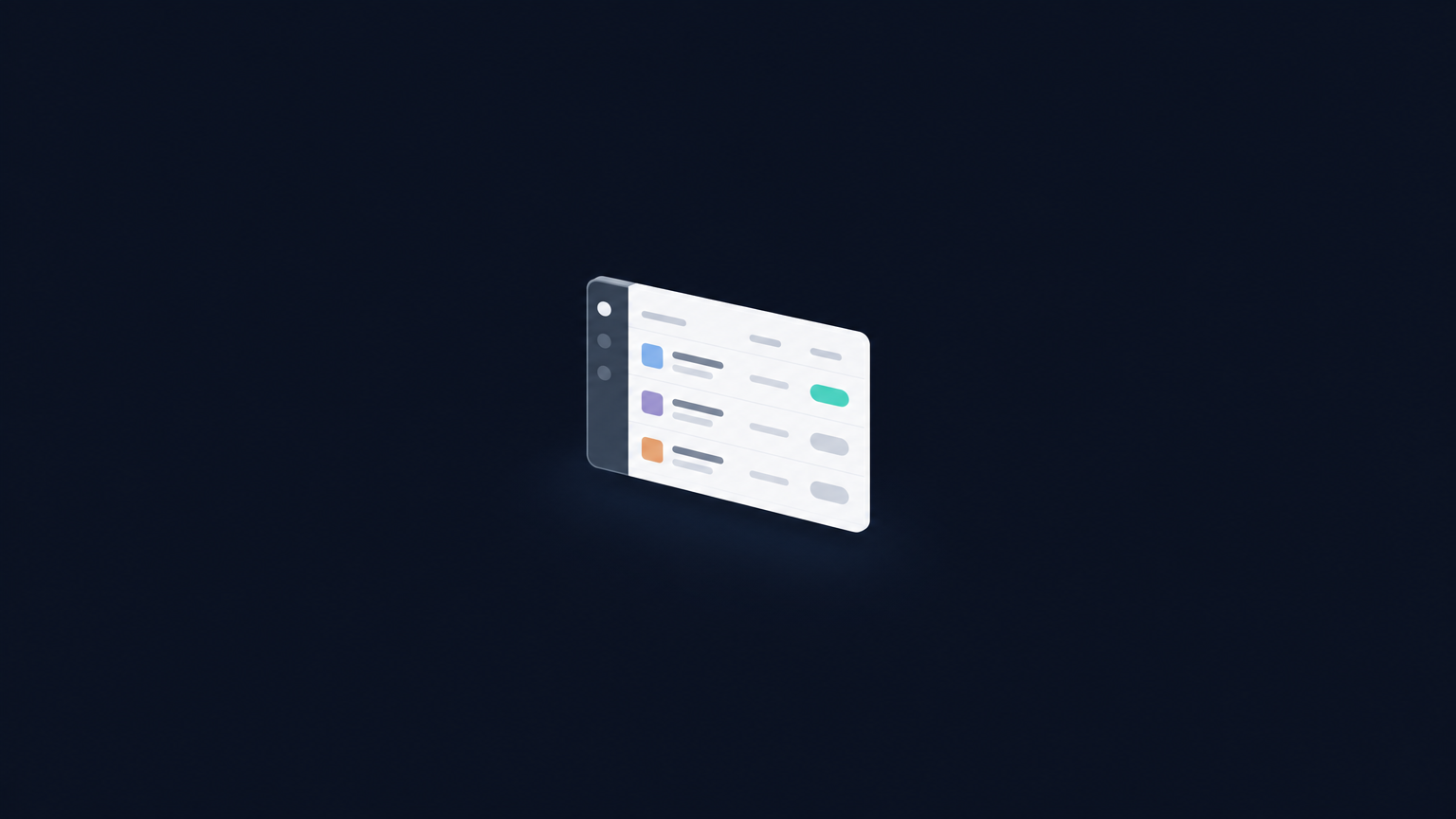
The client page
One link. Their work, their invoices, nothing else.
Clients do not rummage through your tools. They open a quiet page with the projects you assigned, the files you shared, and the invoices that belong to them.
Four steps, then you send the link
- 01
Add a client
Name, company, email. That’s the whole setup.
- 02
Drop in the work
Projects, due dates, invoices, and file links live on their page.
- 03
Send one link
They open a private page. No account, no login, no extra tool.
- 04
Update as you go
Change a status or post a note. Copy the link again whenever you need a fresh snapshot.
ClientDesk
$29per month, cancel anytime
- Unlimited clients
- Projects, invoices, files, and updates
- Shareable client pages
- Dashboard access after you subscribe
Cancel from your Whop billing page whenever you want.
Questions
Do my clients need a ClientDesk account?
No. You copy a private link for each client. They open it in the browser and see only their work.
Where is my workspace saved?
On this device, in your signed-in browser, so you can start using it the moment you subscribe. Copy a client link anytime to share a snapshot.
Is this for agencies too?
Yes. It fits independent freelancers, consultants, and small studios that want a professional client page without enterprise software.
What happens after I subscribe?
Sign in with Whop, open your dashboard, add a client, and send their link. You can also open the dashboard from this site any time you are signed in.